

Our Internet Phone lets you make low cost calls & send SMS using your computer
Share: 


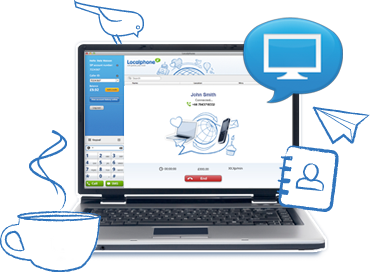
Phone abroad using the internet
Download the app
Sign up and download our desktop app
Check your mic
Make sure your computer has a microphone
Talk to your friend
Log into the app and dial your friend abroad
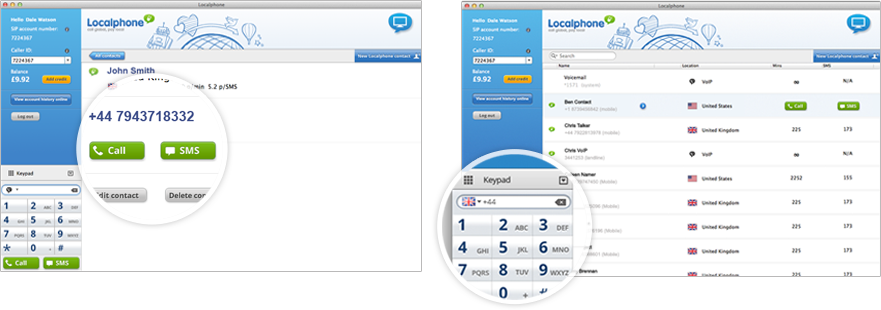
Straight-forward desktop dialing
You don’t need a phone line
Stay in touch anywhere in the world using your computer
Same low call rates as our other calling services
Access our cheap rates using your broadband connection
Save your contacts for quicker calling
Use our Internet Phone app to manage your contacts
Other Internet Phone users can call you for free
Just give them your Internet Phone number to call you on
You might also like...
Local Numbers
The easiest way to call abroad from your mobile or landline
iPhone app
Manage your contacts, call and text on the move with our iPhone app
Global SMS
Send low cost international texts to your friends with our Global SMS service